Guitar practice with a plan.
Less wondering.
More playing.
ModalFret is a guitar practice app for beginners and returning players, with guided plans, skill exercises, and creative tools.
Whether you’re starting from scratch or picking guitar back up, find your next step with guided practice, skill exercises, and room to create.
Play using your microphone or a compatible USB-C connection—or keep practicing with tap activities when your guitar isn’t with you.
Now with USB-C guitar connectivity ↗
Available on the web and Windows.
iPhone, iPad & Android: awaiting store approval.
 YOUR PRACTICE. YOUR WORLD.
A look inside ModalFret
Your next step,
right in front of you.
Find a routine, work on your rhythm, or turn an idea into an exercise.
30-second walkthrough
See a practice session take shape.
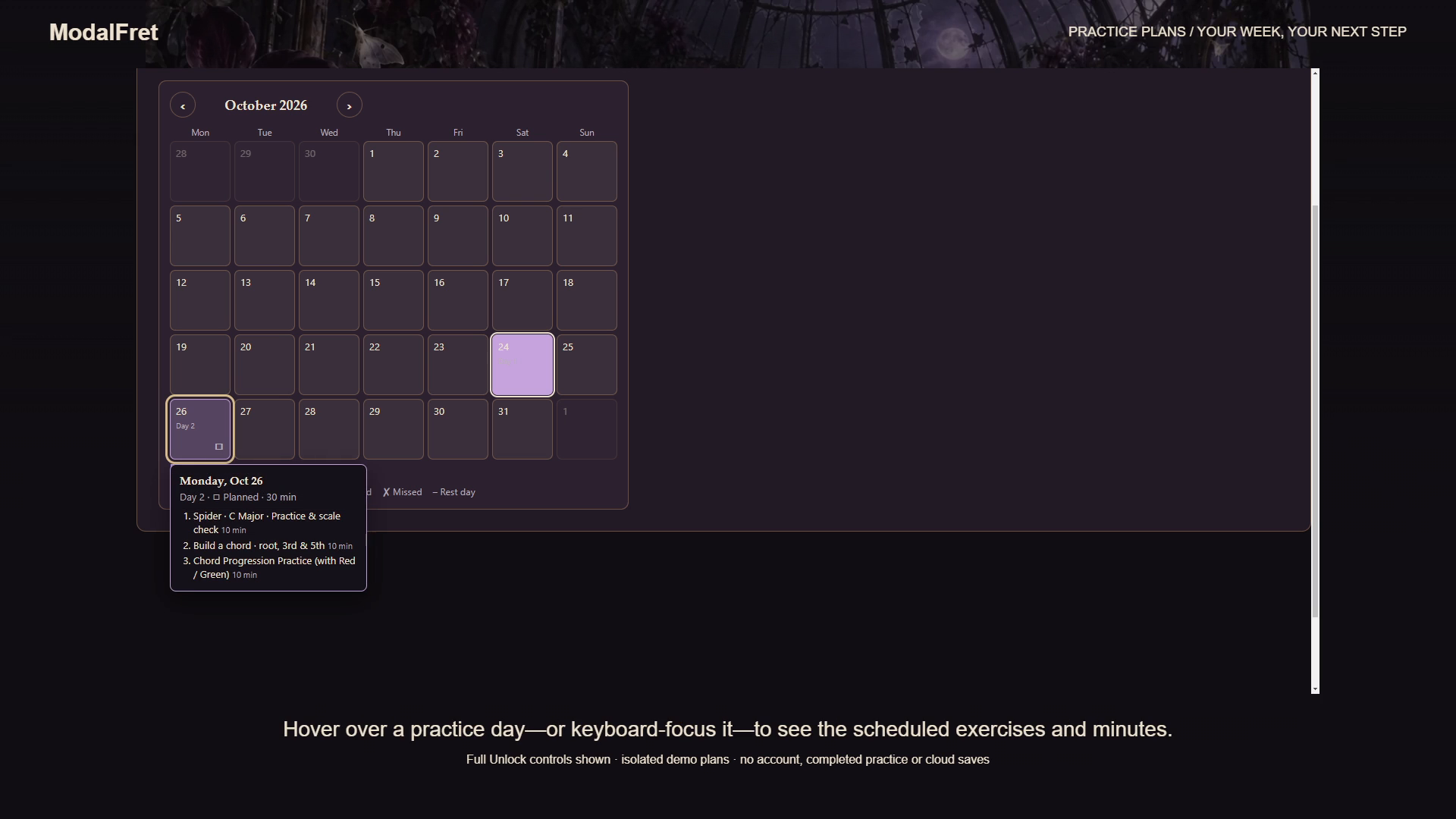
A plan you can come back to.
See your next session on the calendar, with exercises and time set aside to practice.
Explore practice plans ↗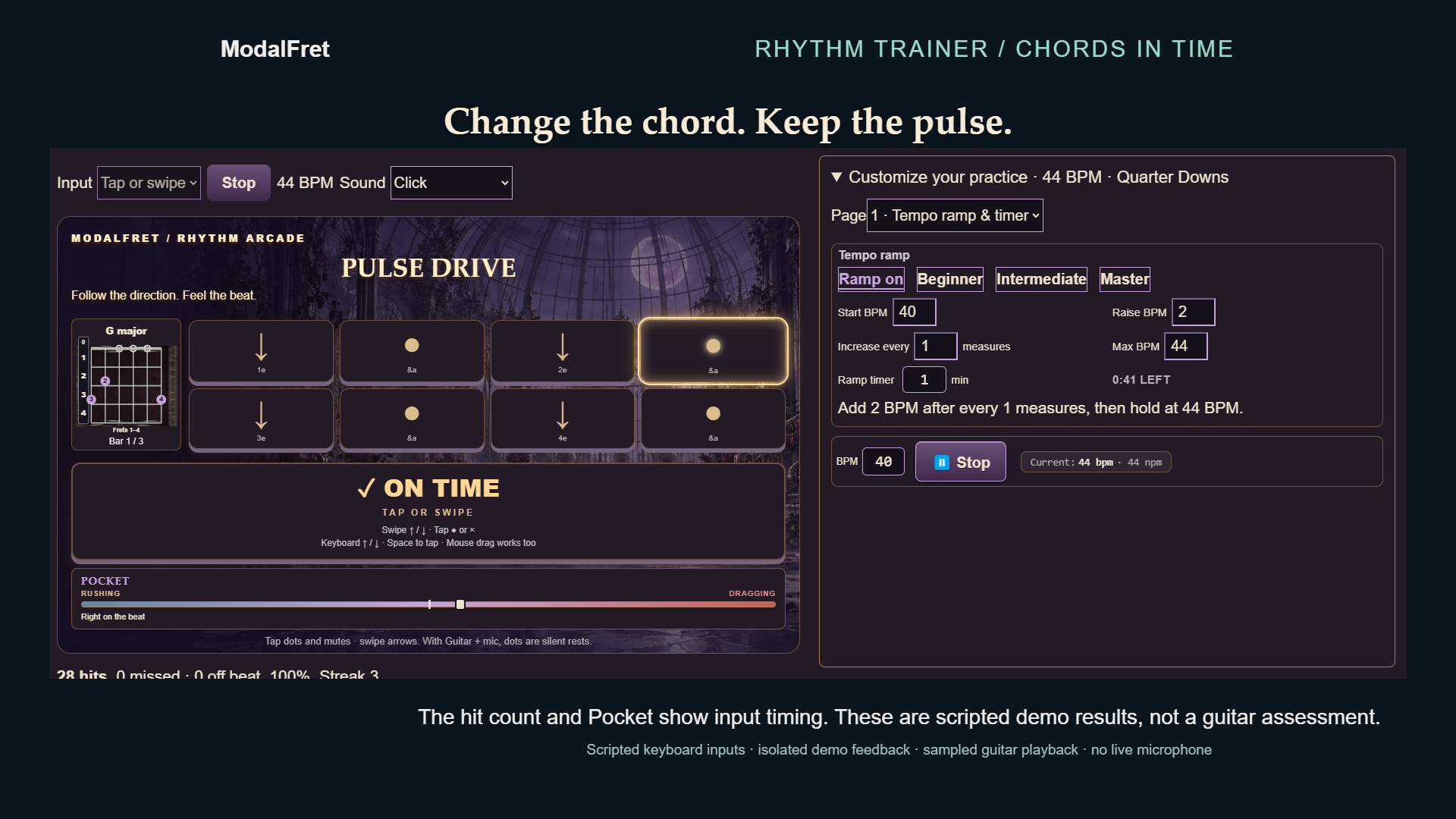
No guitar with you? Tap along.
Practice rhythm with tap-based activities while you’re out and about.
Explore the exercises ↗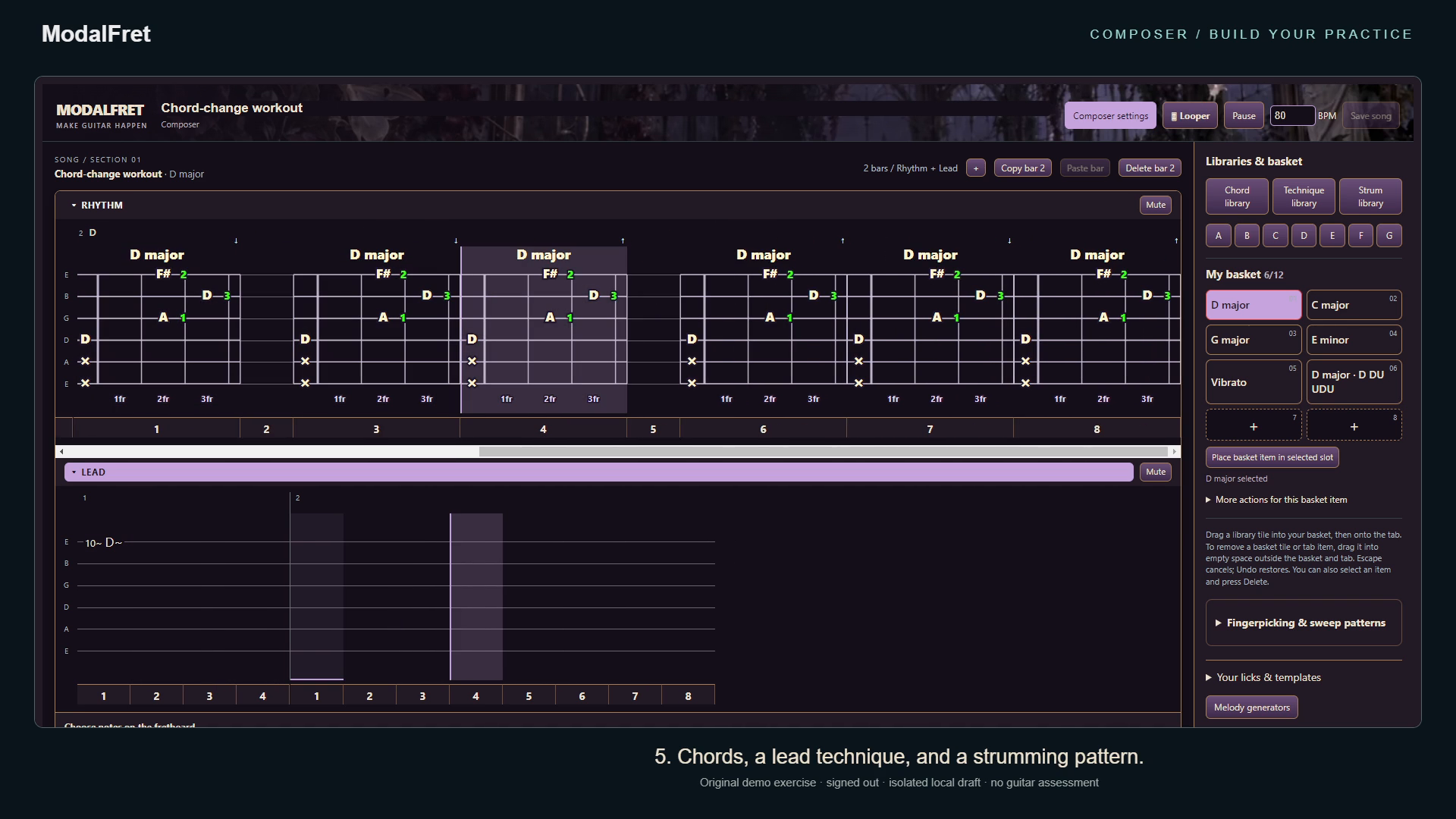
Give your ideas a place to play.
Build a riff, chord progression or picking pattern into your own practice exercise.
Meet Composer ↗Screenshots show demonstration sessions and Full Unlock features. Rhythm results are scripted examples, not a microphone recording. Select a screenshot to view it full size.
USB-C GUITAR CONNECTIVITY
Your guitar.
Your device.
Connect your guitar to a compatible computer, tablet or phone and bring its sound into ModalFret.
Use your regular guitar cable with a compatible USB-C to female 1/4-inch guitar audio recording adapter cable.
Device and browser support varies. iPhone, iPad and Android app releases are awaiting store approval.
Open ModalFretPlug into your guitar.
Connect your regular 1/4-inch guitar cable.
Connect the recording adapter.
Plug the other end into the adapter cable’s female 1/4-inch socket.
Connect to your device.
Plug the USB-C end into your device, then select the guitar input in ModalFret’s audio settings.
What do you want
to work on?
A routine to follow. A skill to sharpen. An idea to turn into music.
Know what to practice.
Let ModalFret build a plan, or make your own. Put your next session on the calendar.
Make a plan ↗02 / BUILD YOUR SKILLSGive every note a purpose.
Follow chord changes across the neck and work toward the target in the Bending Game.
See the exercises ↗03 / MAKE IT YOURSCreate the exercise you need.
Turn a riff, chord progression or tricky picking pattern into your next practice session.
Meet Composer ↗